Repository navigation
chat: don't give the chat input's text a layer of its own - #350123
Closed
Alexandru Dima (alexdima) wants to merge 6 commits into
Closed
Alexandru Dima (alexdima) wants to merge 6 commits into
Alexandru Dima (alexdima) wants to merge 6 commits into
Conversation


The chat input box rounds and clips its contents (8 px radius, overflow:
hidden). With Modern UI the box sits inside the rounded auxiliary bar card,
and the comet ring that spins while a response streams adds a third rounded
clip (overflow: clip with border-radius: inherit). Chromium applies one
rounded clip per draw quad, so Blink gives the outer rounded clips render
surfaces. Every keystroke in the chat input then drew offscreen render
passes, even when nothing streams, and every comet frame drew two extra
passes.

The box now clips with a square clip-path: inset(0). Its own border-radius
still rounds its border and background. The ring keeps its rounded shape
from its mask and uses layout containment instead of a rounded clip to keep
the oversized gradient out of ancestor scroll areas. A new square-clipped
child, .chat-input-working-border-clip, carries the rotating gradient. That
child needs layout containment too: without it, Blink re-runs layerization
on every frame of the spin, about 0.6 ms of renderer main-thread time.

How to verify:
- Trace the viz and cc categories while typing in the chat input. With
  this change, RenderSurfaceReasonCount drops from 5 to 2 "rounded corner"
  surfaces, and
  DirectRenderer::DrawRenderPass drops from about 2.6 to 1.3 per keystroke.
- Add .working to the input container and trace again: passes per frame
  drop from about 5 to 3, and PaintArtifactCompositor::Update doesn't run
  per frame.
- Check that the input box's corners and the comet look unchanged.

🤖 Authored with GitHub Copilot on behalf of @alexdima.

Co-authored-by: Copilot <223556219+Copilot@users.noreply.github.com>

Contributor
Screenshot ChangesBase: Changed (25)
|
| Before | After |
|---|---|
 |
 |
sessions/chat/newWidget/newChatWidget/ScheduledDraftNarrow/Light
| Before | After |
|---|---|
 |
 |
sessions/chat/newWidget/newChatWidget/ConnectorRecommendationsDisabled/Light
| Before | After |
|---|---|
 |
 |
sessions/chat/newWidget/newChatWidget/ConnectorRecommendationsTipsDisabled/Light
| Before | After |
|---|---|
|
|
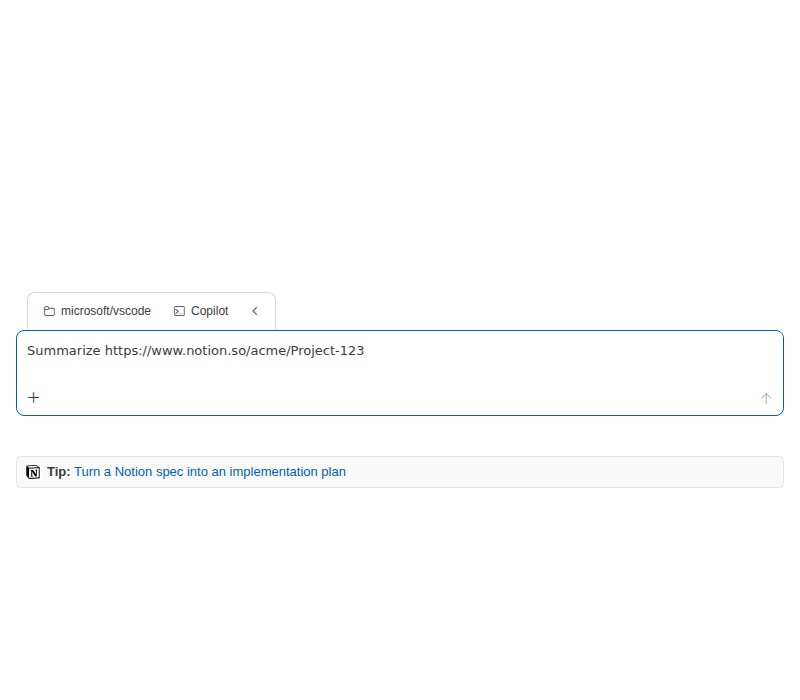
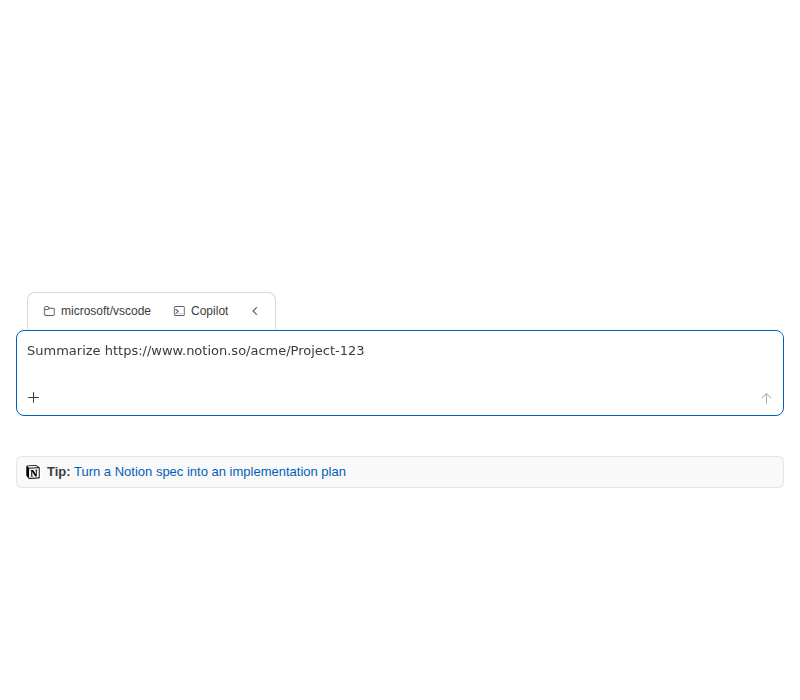
sessions/chat/newWidget/newChatWidget/ConnectorRecommendations/Light
| Before | After |
|---|---|
 |
 |
sessions/chat/newWidget/newChatWidget/ConnectorRecommendationsNarrow/Light
| Before | After |
|---|---|
 |
 |
sessions/chat/newWidget/newChatWidget/ConnectorRecommendationsOneDismissed/Light
| Before | After |
|---|---|
 |
 |
sessions/chat/newWidget/newChatWidget/ConnectorRecommendationsTwoDismissed/Light
| Before | After |
|---|---|
 |
 |
sessions/chat/newWidget/newChatWidget/ConnectorRecommendationsBackground/Light
| Before | After |
|---|---|
 |
 |
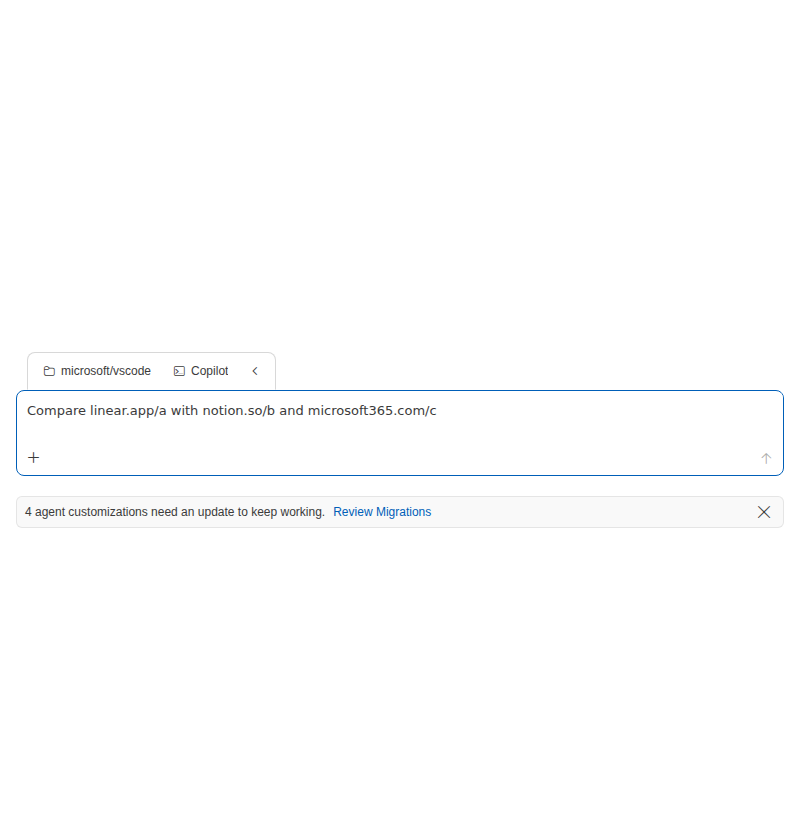
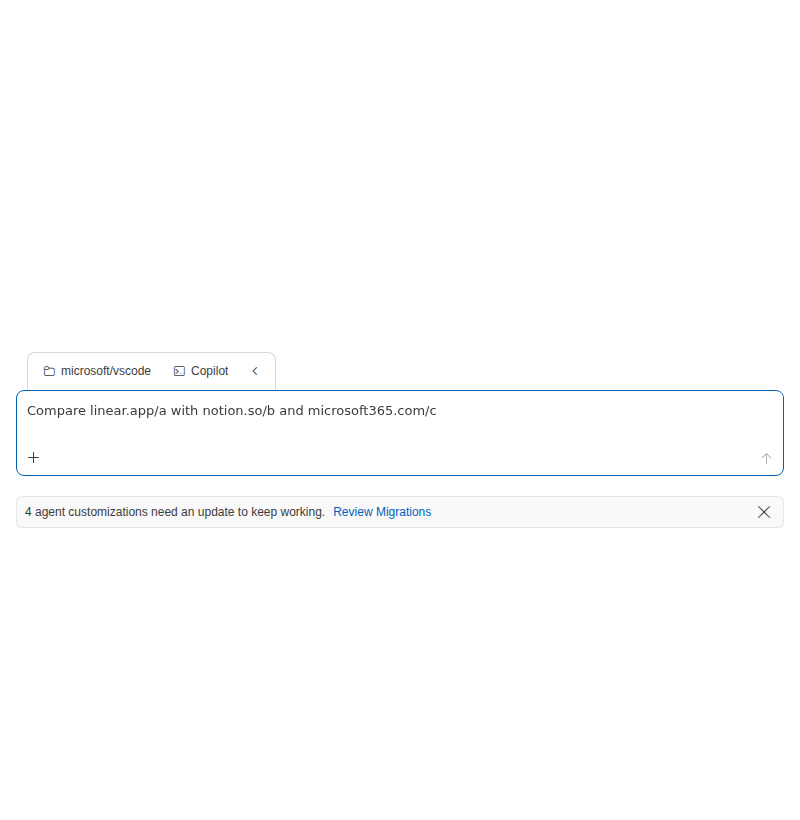
sessions/chat/newWidget/newChatWidget/ConnectorRecommendationsWithNotices/Light
| Before | After |
|---|---|
 |
 |
sessions/chat/newWidget/newChatWidget/ConnectorRecommendationsShort/Light
| Before | After |
|---|---|
 |
 |
sessions/chat/newWidget/newChatWidget/ConnectorRecommendationsPhone/Light
| Before | After |
|---|---|
 |
 |
sessions/chat/newWidget/newChatWidget/ConnectorRecommendationsPhoneWithNotices/Light
| Before | After |
|---|---|
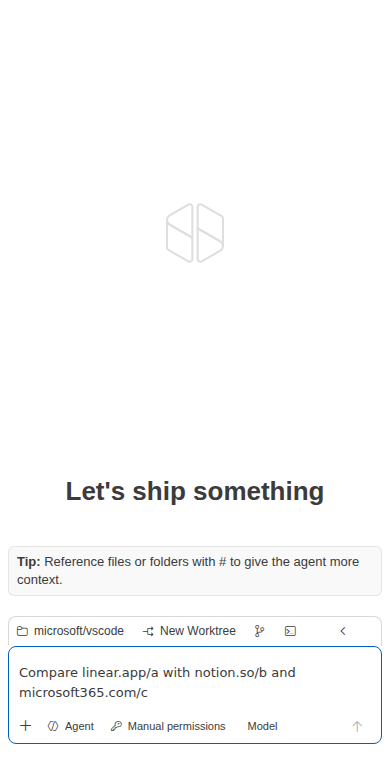 |
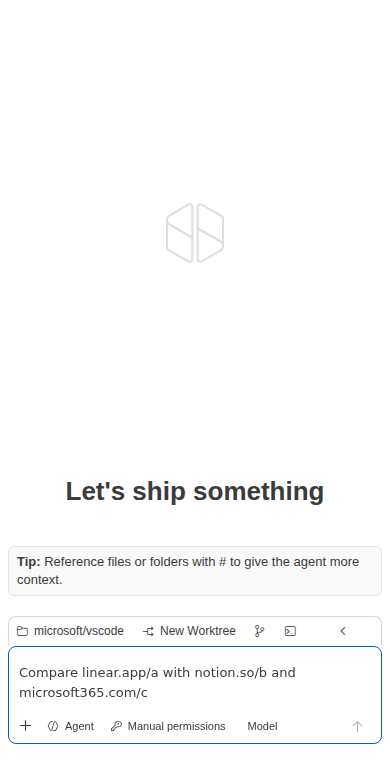 |
sessions/chat/newWidget/newChatWidget/NewSessionComparisonSetup/Light
| Before | After |
|---|---|
 |
 |
sessions/chat/newWidget/newChatWidget/PromptOptionsSelected/Light
| Before | After |
|---|---|
 |
 |
sessions/chat/newWidget/newChatWidget/PromptOptionsEditedDisabled/Light
| Before | After |
|---|---|
 |
 |
sessions/mobile/welcome/mobileNewChatWidget/CloudWelcome/Light
| Before | After |
|---|---|
 |
 |
sessions/mobile/welcome/mobileNewChatWidget/CloudRepository/Light
| Before | After |
|---|---|
 |
 |
sessions/mobile/welcome/mobileNewChatWidget/ComputerRepository/Light
| Before | After |
|---|---|
 |
 |
sessions/mobile/welcome/mobileNewChatWidget/KeyboardHeight/Light
| Before | After |
|---|---|
 |
 |
sessions/mobile/welcome/mobileNewChatWidget/Landscape/Light
| Before | After |
|---|---|
 |
 |
sessions/mobile/welcome/mobileNewChatWidget/WelcomePhrase/Light
| Before | After |
|---|---|
 |
 |
chat/input/chatInput/SessionSandboxEnabled/Light
| Before | After |
|---|---|
 |
 |
chat/input/chatInput/SessionSandboxDisabled/Light
| Before | After |
|---|---|
 |
 |
chat/input/chatInput/SessionSandboxOverflow/Light
| Before | After |
|---|---|
 |
 |
9 insignificant change(s) omitted (≤20 px, Δ≤2). See CI logs for details.
blocks-ci screenshots changed
Replace the contents of test/componentFixtures/blocks-ci-screenshots.md with:
Updated blocks-ci-screenshots.md
<!-- auto-generated by CI — do not edit manually -->
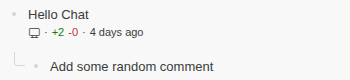
#### agentSessionsViewer/SessionWithPeerChat/Light
#### baseUI/KeyboardFocusedToggle/Light

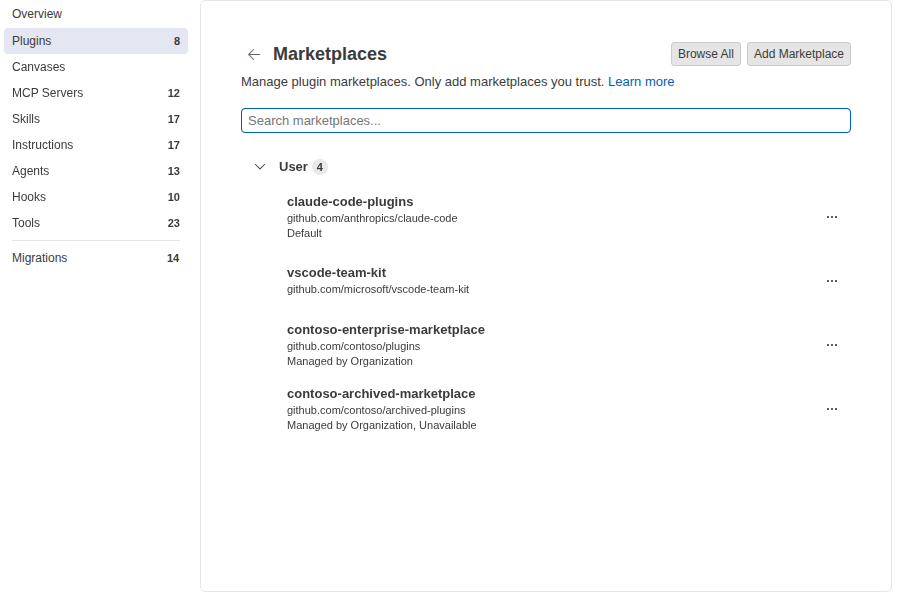
#### chat/aiCustomizations/aiCustomizationManagementEditor/PluginMarketplaces/Light
#### chat/chatCustomizationsHover/Default/Light
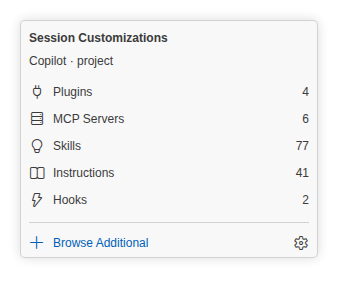
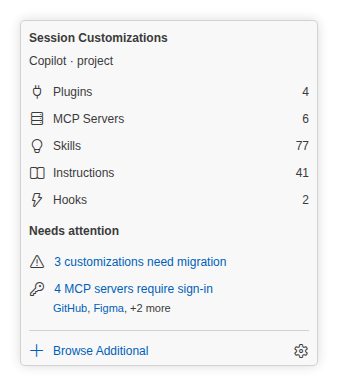
#### chat/chatCustomizationsHover/MigrationsAndMcpAuthentication/Light
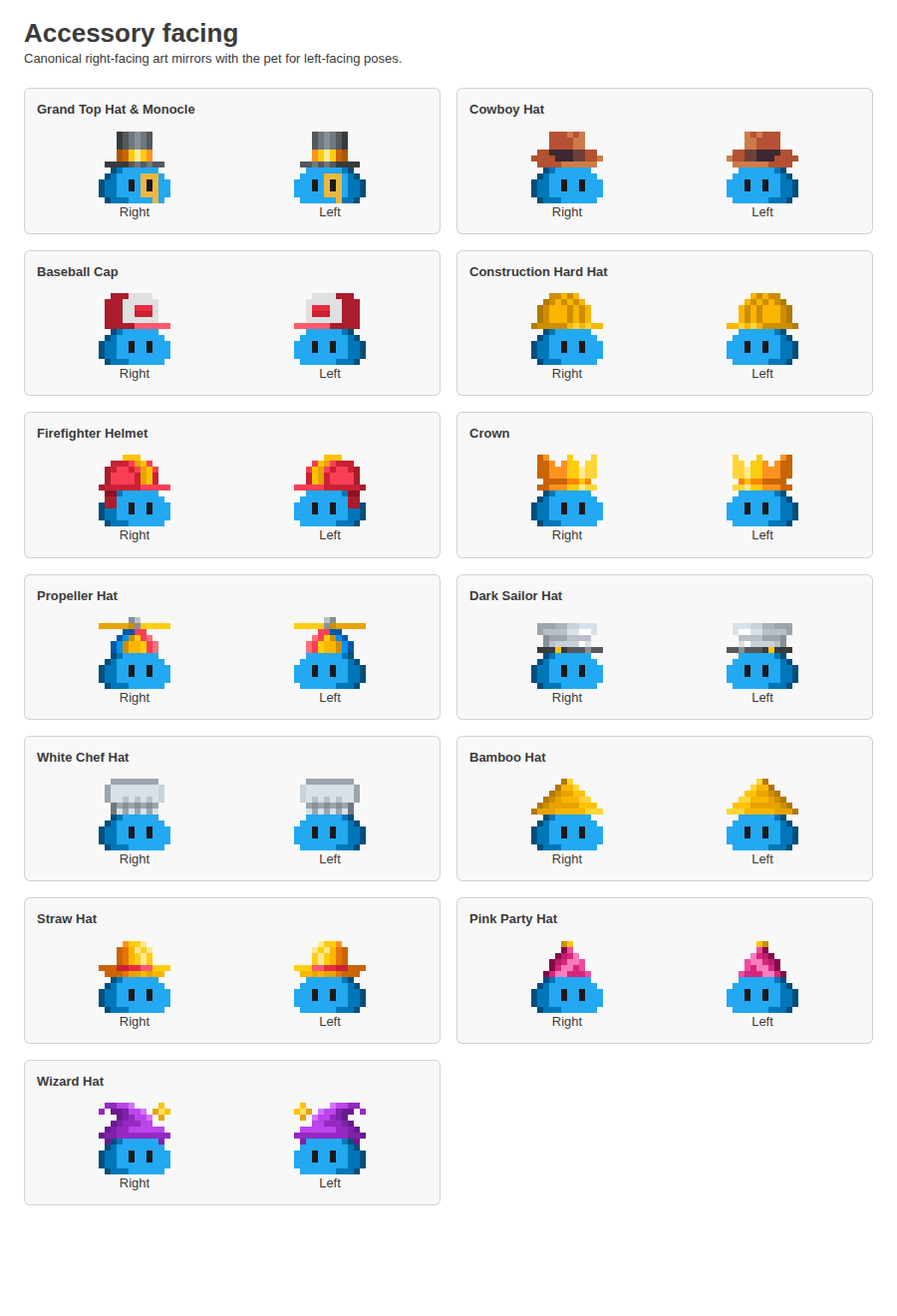
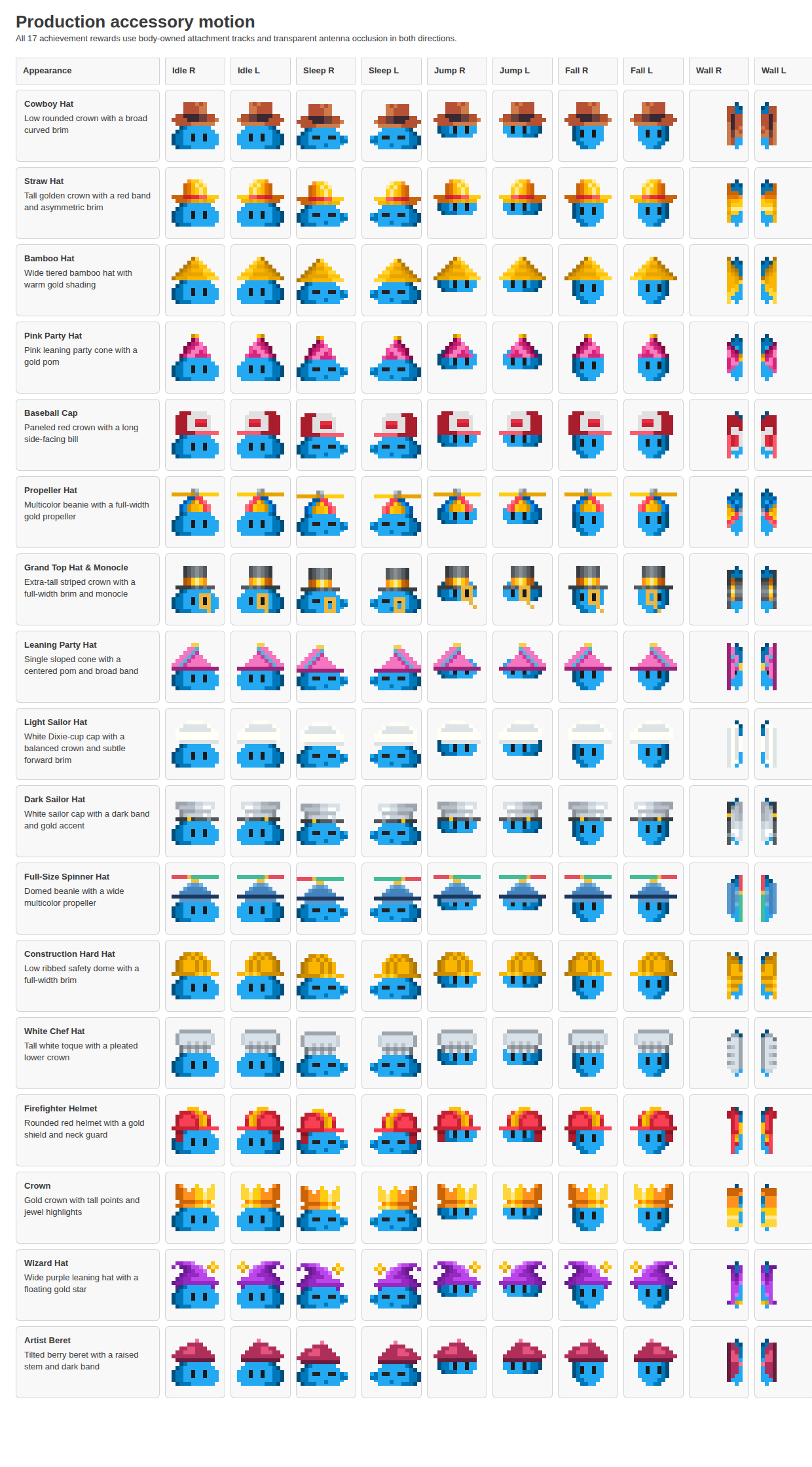
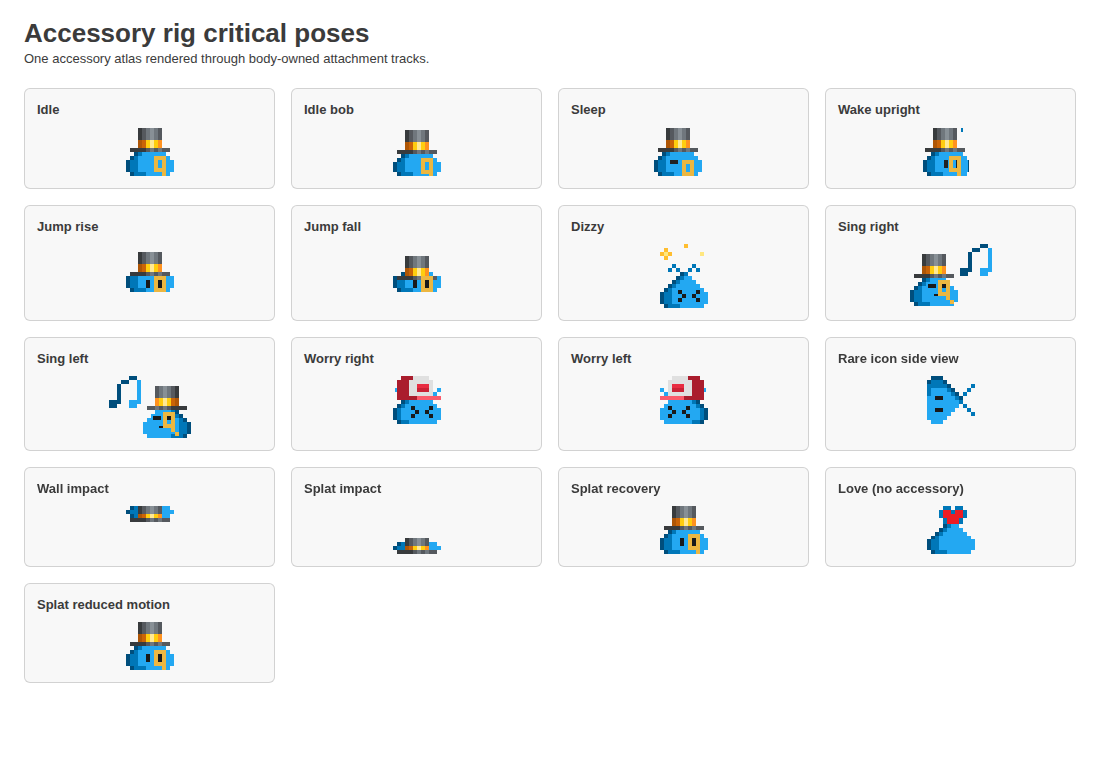
#### chat/chatPetAccessoryRig/chatPetAccessoryRig/AllAccessoriesFacing/Light
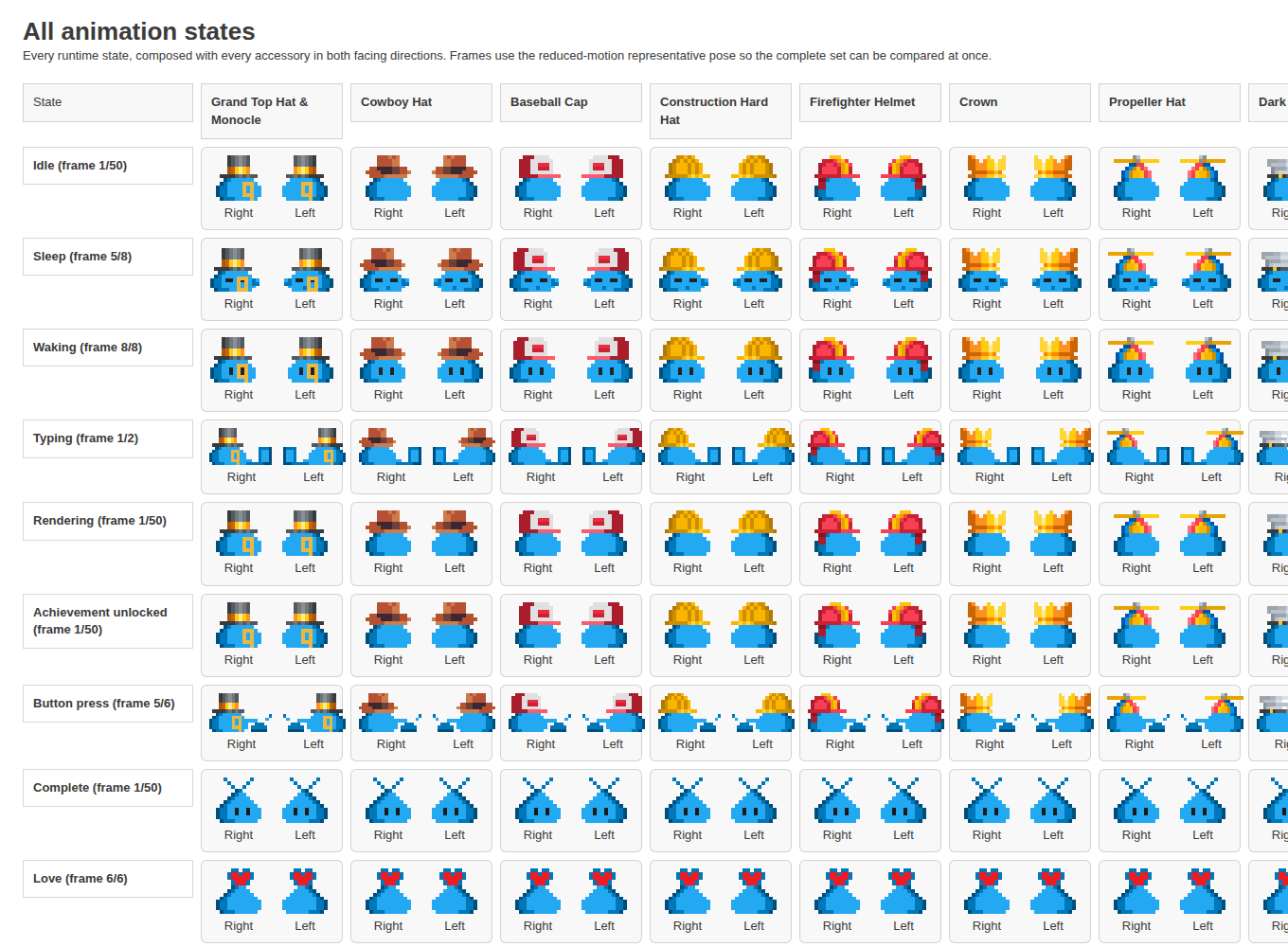
#### chat/chatPetAccessoryRig/chatPetAccessoryRig/AllRuntimeStates/Light
#### chat/chatPetAccessoryRig/chatPetAccessoryRig/CoveredAntennaeComparison/Light
#### chat/chatPetAccessoryRig/chatPetAccessoryRig/CriticalPoses/Light
#### chat/chatPetAccessoryRig/chatPetAccessoryRig/LiveEyeLayering/Light
#### chat/chatQuestionCarousel/MarkdownLinks/Light
#### chat/input/chatInput/CompactWithProviderIcon/Light
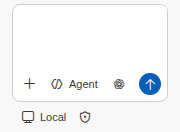
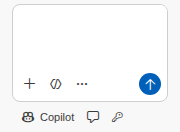
#### chat/input/chatInput/CopilotHarnessCompactPickers/Light
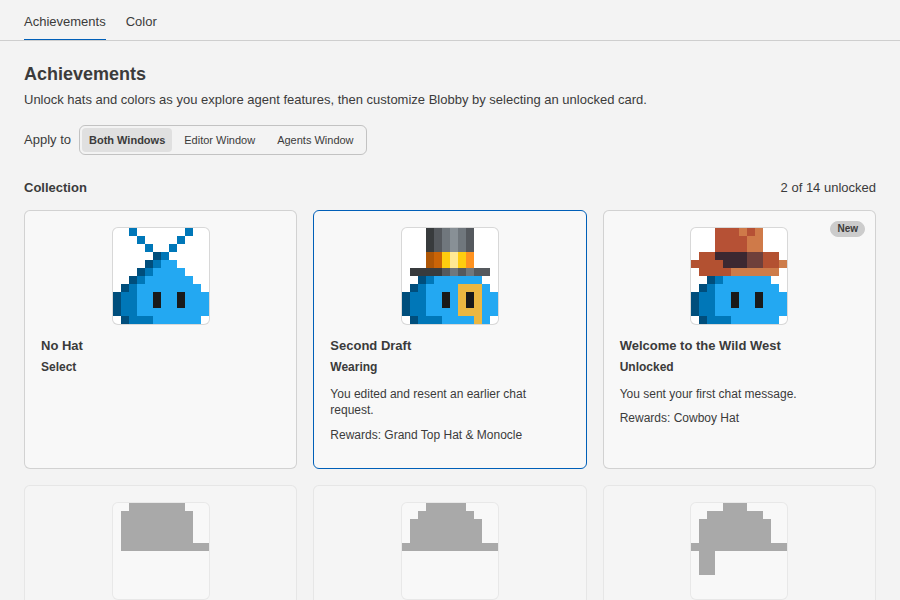
#### chat/petAchievements/standaloneModal/chatPetAchievementsEditor/MixedSelected/Light
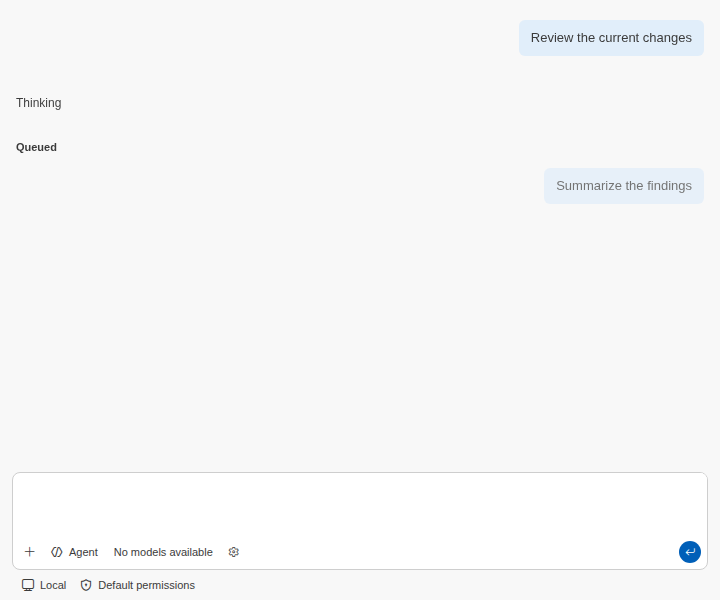
#### chat/widget/chatWidget/PendingMessages/Queued/Light
#### chat/widget/chatWidget/PendingMessages/Steering/Light
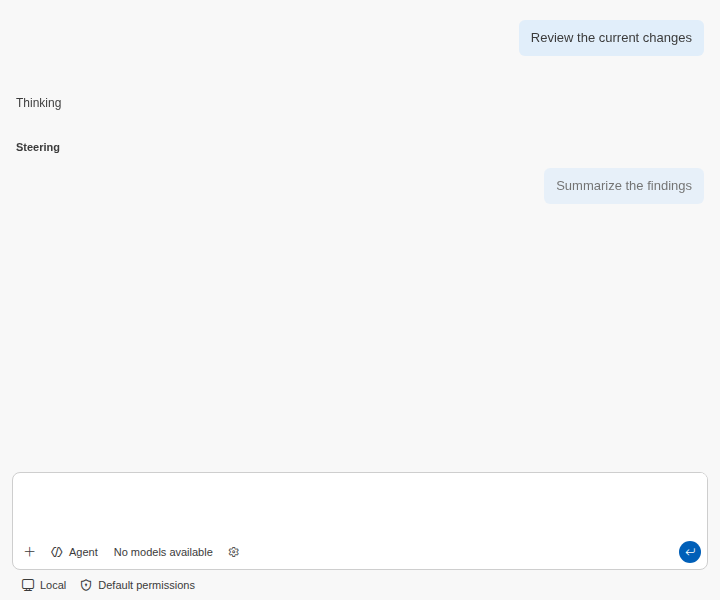
#### chat/widget/chatWidget/PendingMessages/SystemNotification/Light
#### comments/commentTree/CommentTreeMetadataZoomed/Light

#### editor/codeEditor/CodeEditor/Light
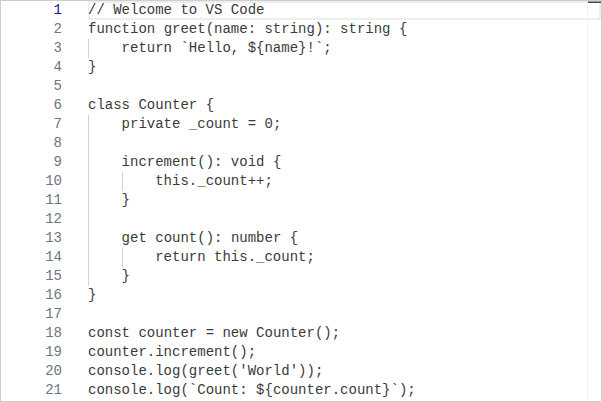
#### editor/fullwidthCharacterWidth/FullwidthCharacterWidthClassification/Light
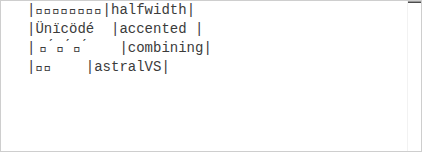
#### editor/fullwidthCharacterWidth/FullwidthCharacterWidthCode/Light
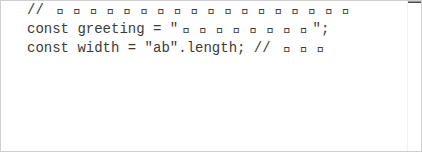
#### editor/fullwidthCharacterWidth/FullwidthCharacterWidthFont/Light
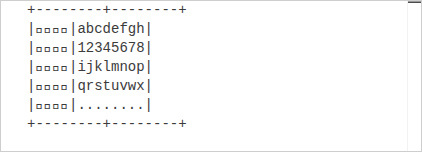
#### editor/fullwidthCharacterWidth/FullwidthCharacterWidthProportionalFont/Light
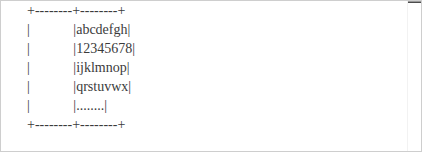
#### editor/fullwidthCharacterWidth/FullwidthCharacterWidthSelection/Light
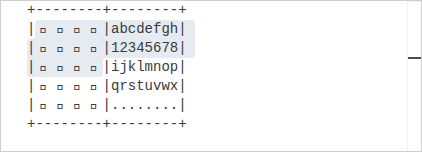
#### editor/fullwidthCharacterWidth/FullwidthCharacterWidthTwoCells/Light
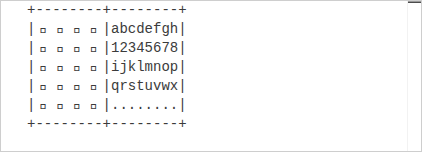
#### editor/injectedTextDecorations/ColorDecorators/Light
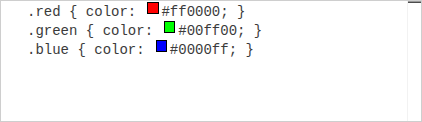
#### editor/injectedTextDecorations/InlayHints/Light
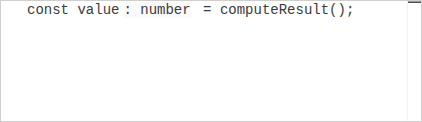
#### editor/injectedTextDecorations/InlineProgress/Light
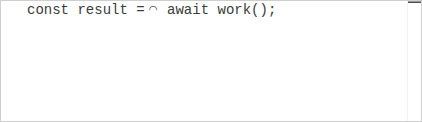
#### editor/injectedTextDecorations/SelectedColorDecorator/Light
#### editor/inlineChatZoneWidget/InlineChatZoneWidget/Light
#### editor/inlineChatZoneWidget/InlineChatZoneWidgetTerminated/Light
#### editor/wordWrapIndicator/WordWrapIndicator/Light
#### editor/wordWrapIndicator/WordWrapIndicatorDisabled/Light
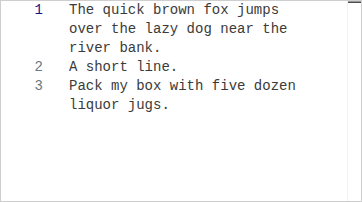
#### editor/wordWrapIndicator/WordWrapIndicatorFixedColumnBeyondViewport/Light
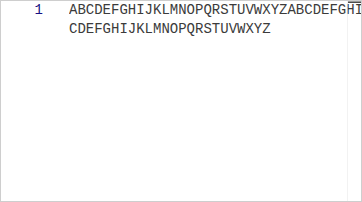
#### editor/wordWrapIndicator/WordWrapIndicatorVariableLineHeight/Light
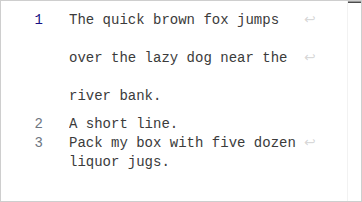
#### editor/wordWrapIndicator/WordWrapIndicatorViewportWrapping/Light
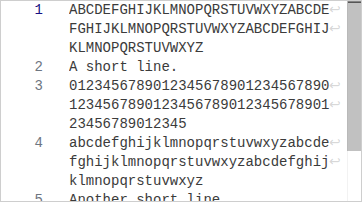
#### sessions/accountMenu/petAchievementBadges/chatPetAchievementBadges/AllBadges/Light
#### sessions/chat/newWidget/newChatWidget/ConnectorRecommendations/Light

#### sessions/chat/newWidget/newChatWidget/ConnectorRecommendationsPhoneWithNotices/Light

#### sessions/chat/newWidget/newChatWidget/ConnectorRecommendationsWithNotices/Light

#### sessions/chat/newWidget/newChatWidget/MigrationsBackground/Light
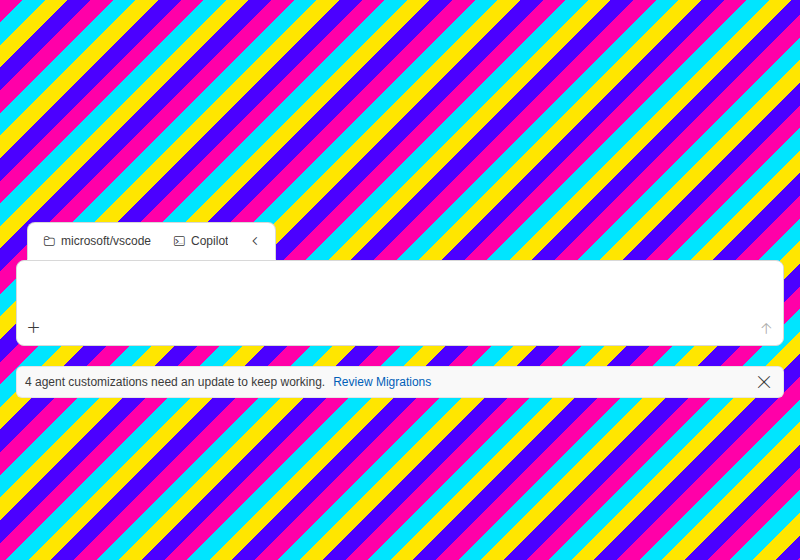
#### sessions/chat/newWidget/newChatWidget/NewSessionAttachedContext/Light
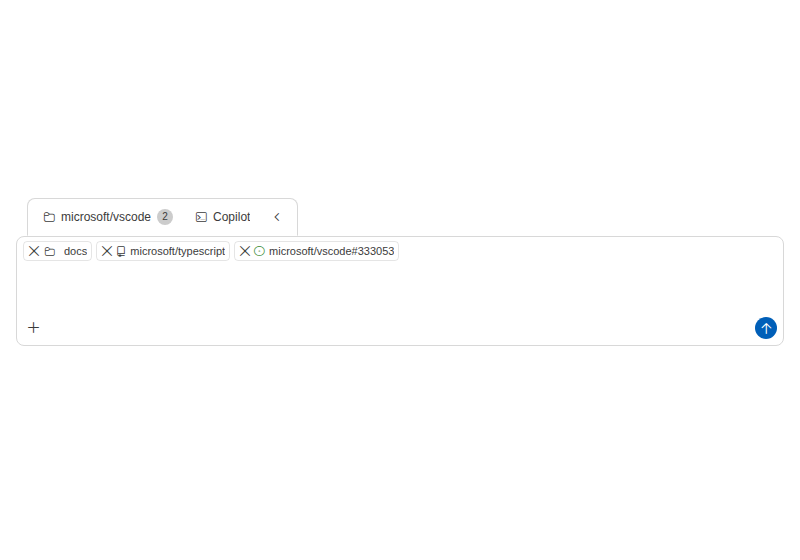
#### sessions/chat/newWidget/newChatWidget/NewSessionAutoModel/Light
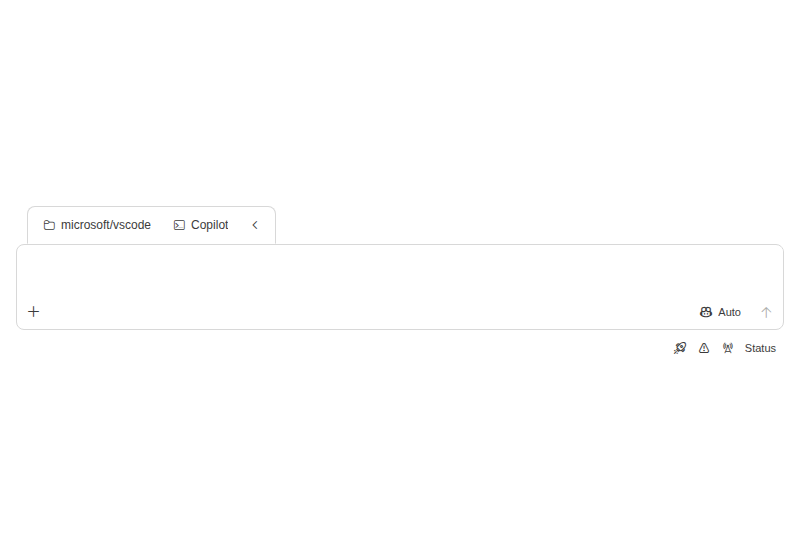
#### sessions/chat/newWidget/newChatWidget/NewSessionChatBackground/Light
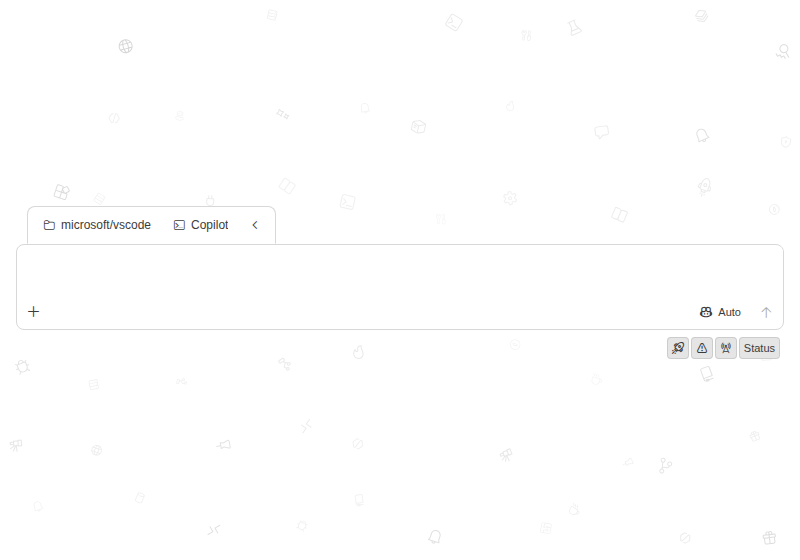
#### sessions/chat/newWidget/newChatWidget/NewSessionCompactAutoModel/Light
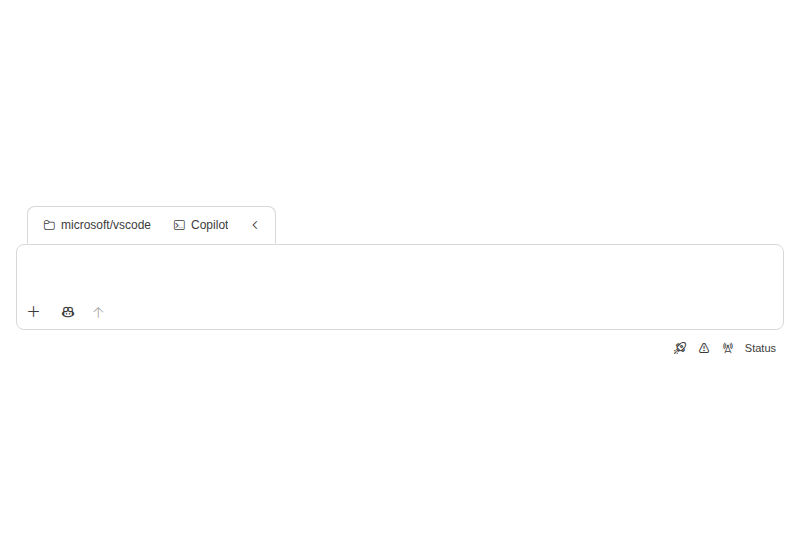
#### sessions/chat/newWidget/newChatWidget/NewSessionComposerBackground/Light
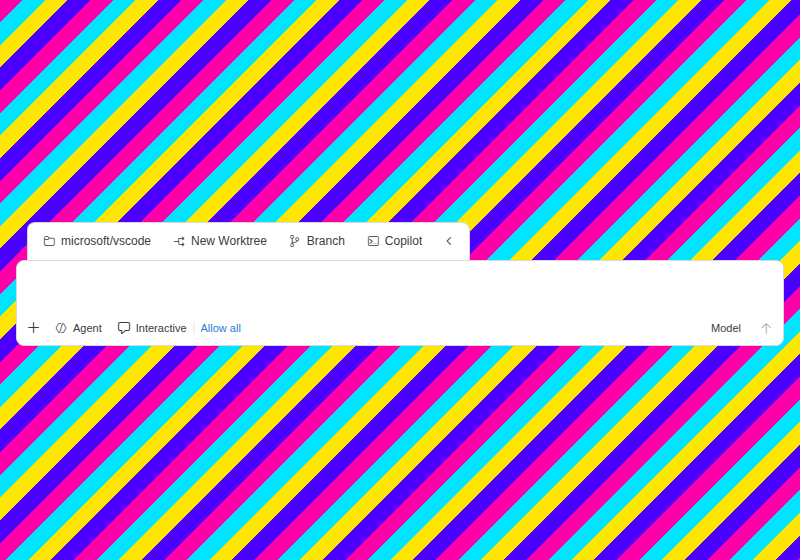
#### sessions/chat/newWidget/newChatWidget/NewSessionGitHubContextPicker/Light
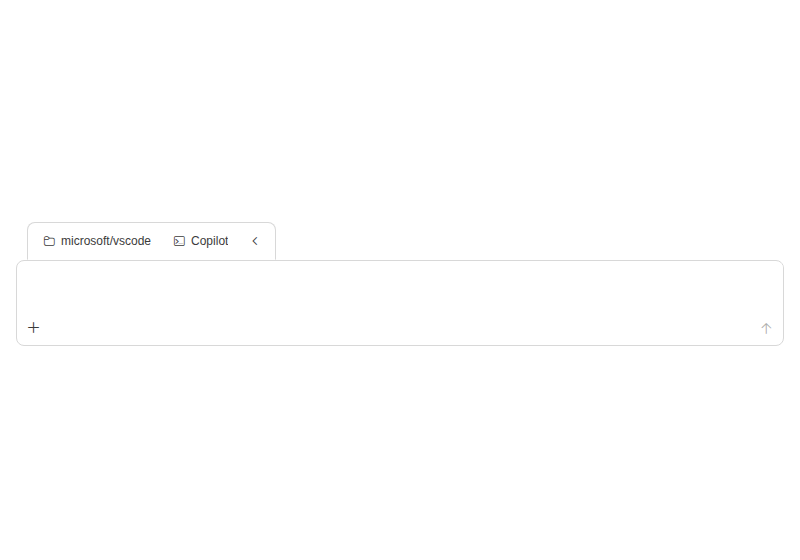
#### sessions/chat/newWidget/newChatWidget/NewSessionPhoneAttachedContext/Light
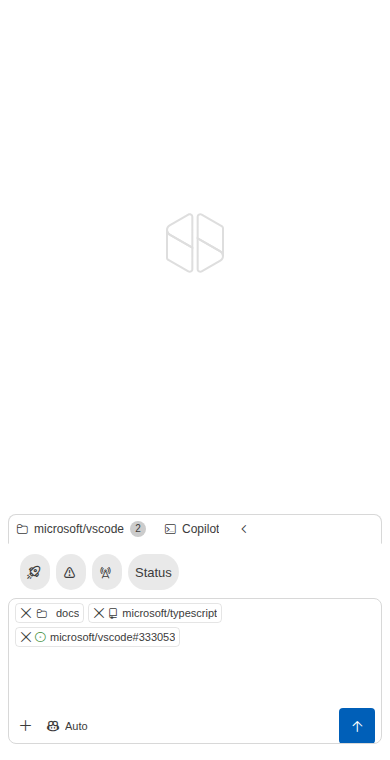
#### sessions/chat/newWidget/newChatWidget/NewSessionPhoneWelcomePhrase/Light
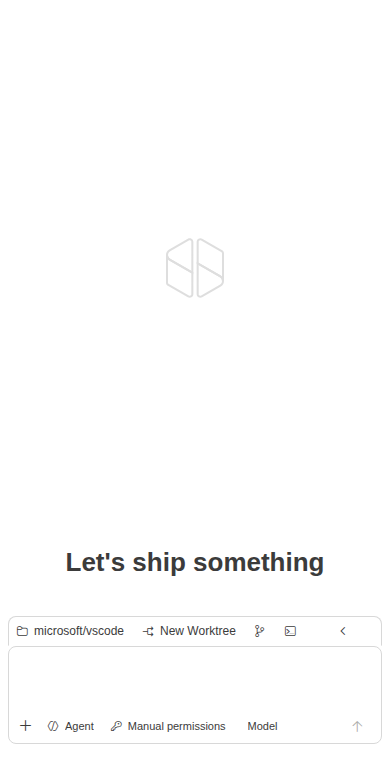
#### sessions/chat/newWidget/newChatWidget/NewSessionPhoneWorkspacePicker/Light
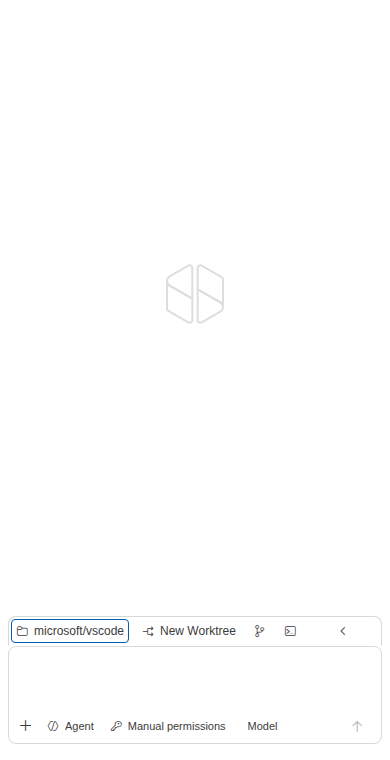
#### sessions/chat/newWidget/newChatWidget/NewSessionRemoteWorkspace/Light
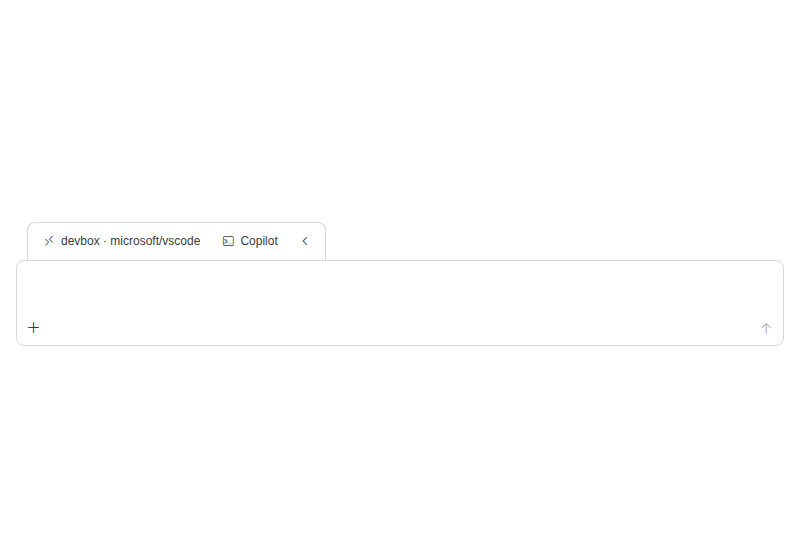
#### sessions/chat/newWidget/newChatWidget/NewSessionWorkspacePicker/Light
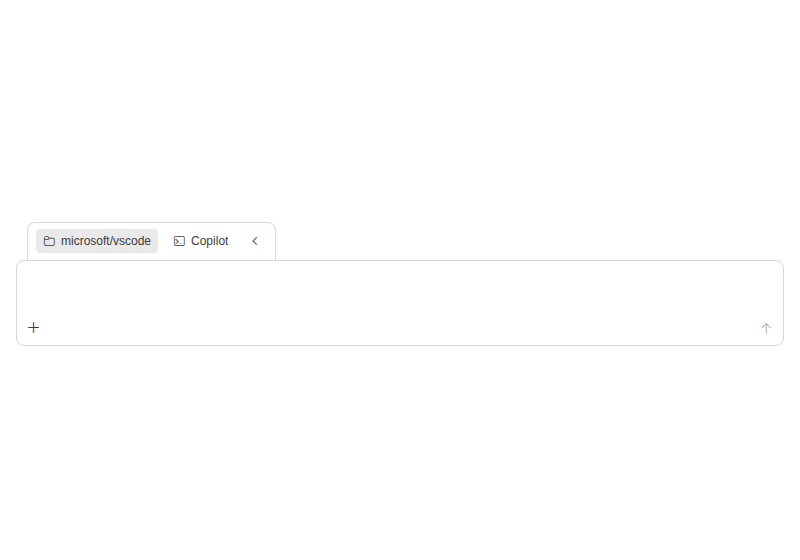
#### sessions/chat/view/chatView/AssistantResponseBackground/Light
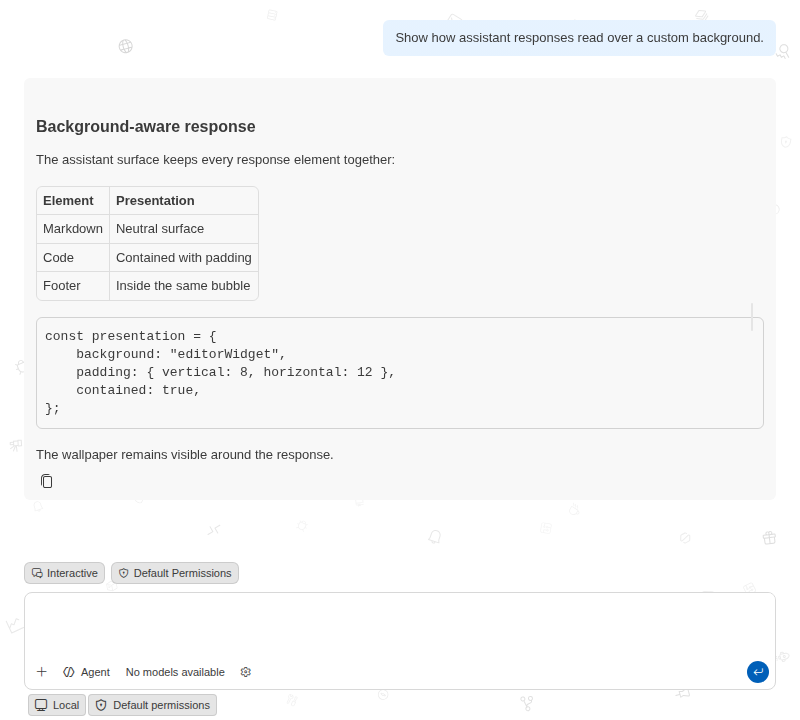
#### sessions/chat/view/chatView/AssistantResponsePlain/Light
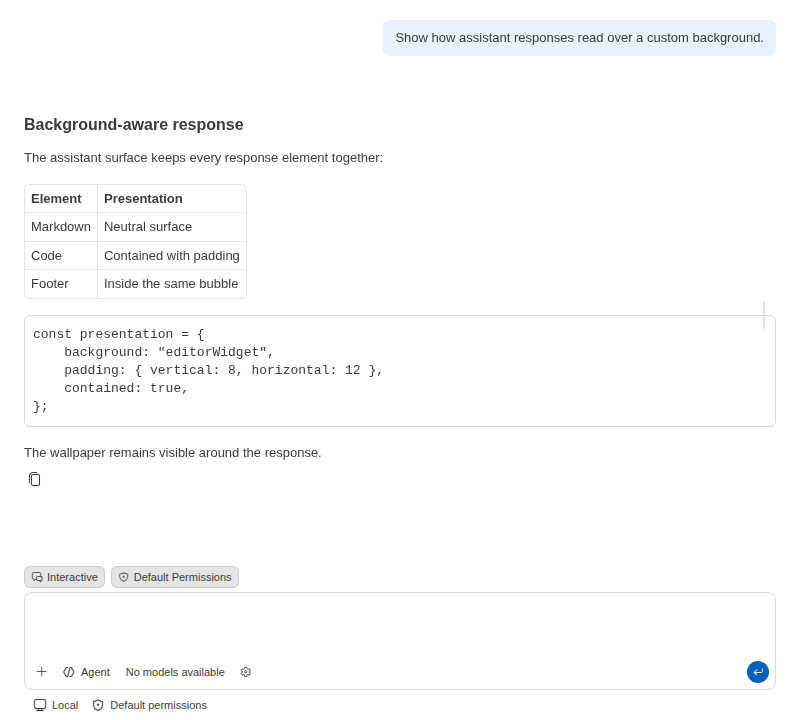
#### sessions/chat/view/chatView/CheckpointControlsBackground/Light
#### sessions/chat/view/chatView/PhoneChatComposerExperimentalComposer/Light
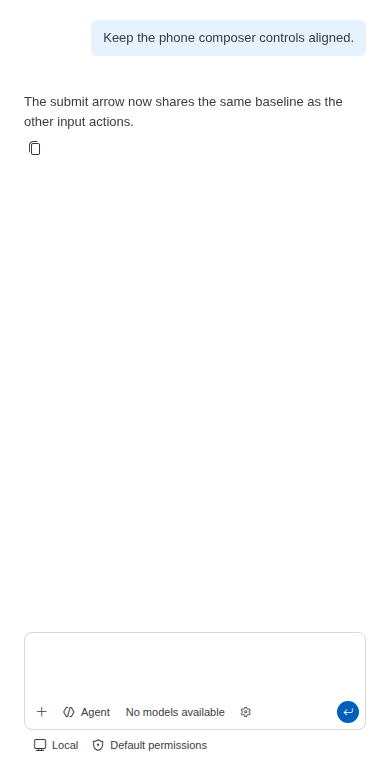
#### sessions/chat/view/chatView/PhoneChatComposerSettingsDisabled/Light

#### sessions/chat/view/chatView/PhoneChatComposerUnifiedWorkspacePicker/Light

#### sessions/chat/view/chatView/RequestAttachmentBackground/Light
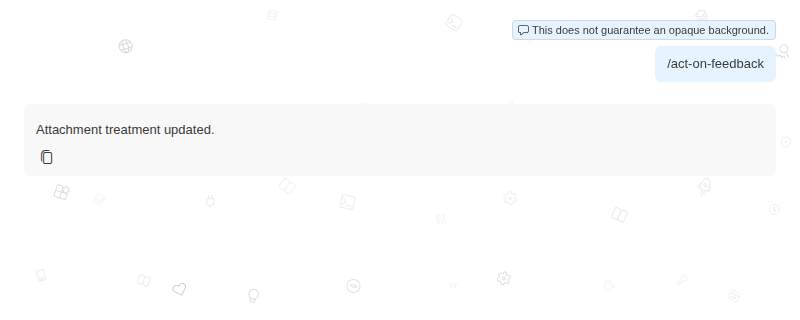
#### sessions/sessionsList/SessionsList_ArchivedNestedChat/Light
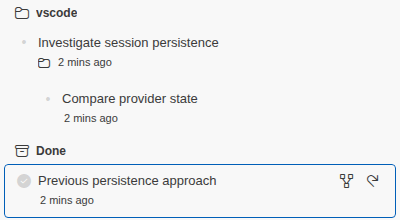
#### sessions/sessionsList/SessionsList_CompactArchivedNestedChat/Light
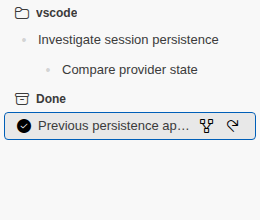
#### sessions/sessionsList/SessionsList_CompactChatRename/Light
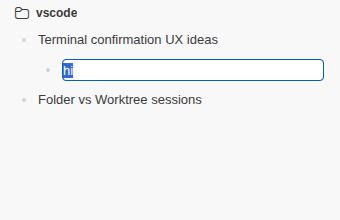
#### sessions/sessionsList/SessionsList_CompactNeedsInput/Light
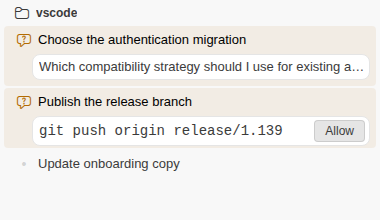
#### sessions/sessionsList/SessionsList_CompactNestedChatActions/Light
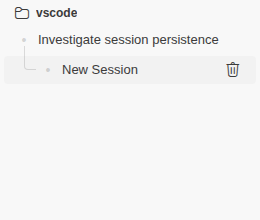
#### sessions/sessionsList/SessionsList_CompactNestedChatApprovals/Light
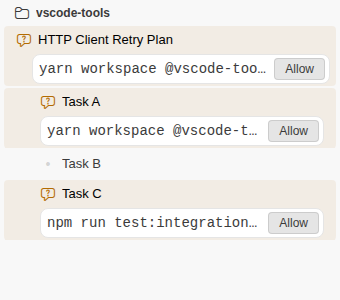
#### sessions/sessionsList/SessionsList_CompactNestedChatPrimaryAction/Light
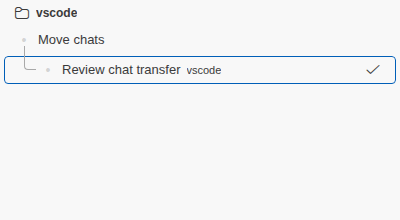
#### sessions/sessionsList/SessionsList_CompactNestedChats/Light
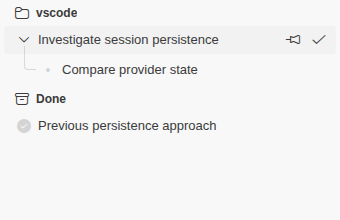
#### sessions/sessionsList/SessionsList_CompactSessionRename/Light
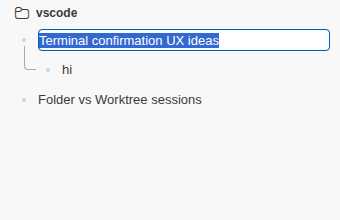
#### sessions/sessionsList/SessionsList_CompactUnreadStatusIcons/Light
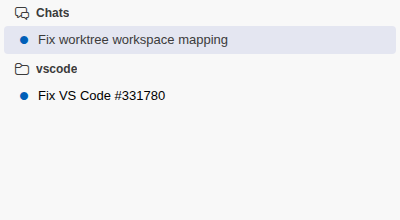
#### sessions/sessionsList/SessionsList_LightweightNewButton/Light
#### sessions/sessionsList/SessionsList_LightweightNewButtonWithKeybindingBackground/Light
#### sessions/sessionsList/SessionsList_NarrowHoverToolbar/Light
#### sessions/sessionsList/SessionsList_NestedChatHierarchyGuides/Light
#### sessions/sessionsList/SessionsList_PeerChatInProgress/Light
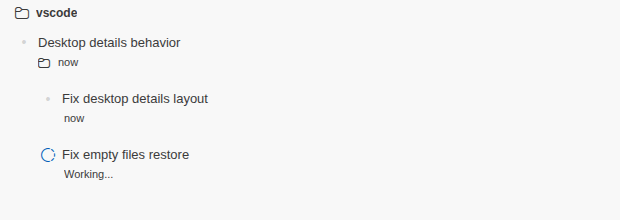
#### sessions/sessionsList/SessionsList_SelectedKeyboardFocus/Light
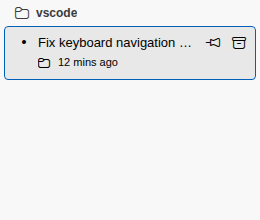
#### sessions/sessionsList/SessionsList_UnreadStatusIcons/Light
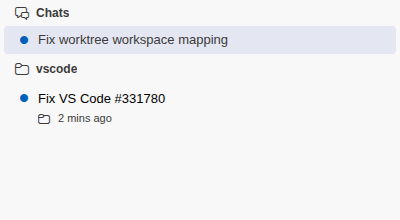
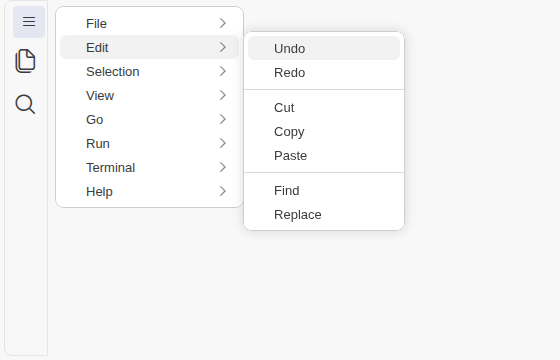
#### workbench/activityBarMenu/CompactActivityBarMenu_CompactDensity/Light
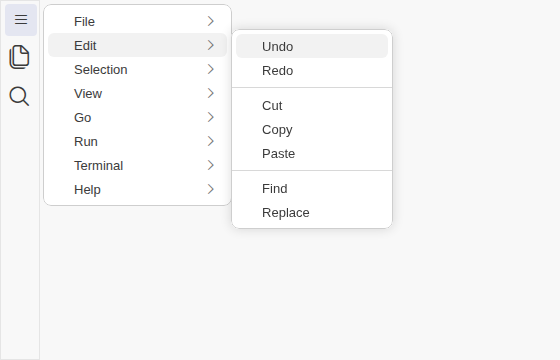
#### workbench/activityBarMenu/CompactActivityBarMenu_DefaultDensity/Light
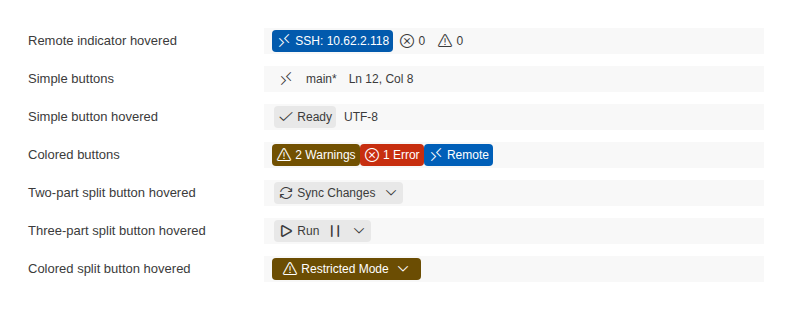
#### workbench/statusBar/statusBar/CompactDensity/Light
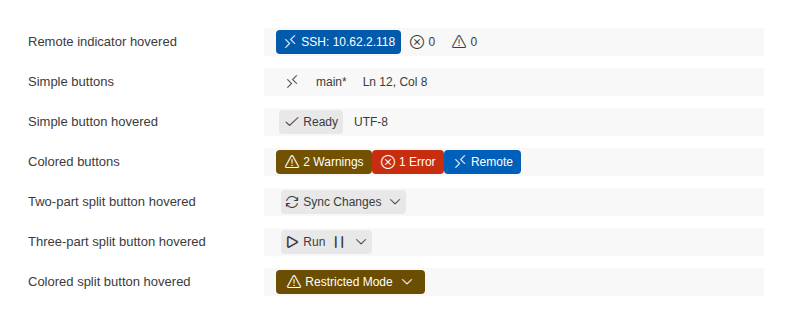
#### workbench/statusBar/statusBar/DefaultDensity/Light
Patch
--- test/componentFixtures/blocks-ci-screenshots.md 2026-11-24 22:22:47.645526845 +0000
+++ /tmp/blocks-ci-updated.md 2026-11-24 22:25:17.338930498 +0000
@@ -112,13 +112,13 @@

#### sessions/chat/newWidget/newChatWidget/ConnectorRecommendations/Light
-
+
#### sessions/chat/newWidget/newChatWidget/ConnectorRecommendationsPhoneWithNotices/Light
-
+
#### sessions/chat/newWidget/newChatWidget/ConnectorRecommendationsWithNotices/Light
-
+
#### sessions/chat/newWidget/newChatWidget/MigrationsBackground/Light

Contributor
There was a problem hiding this comment.
🟢 Approval recommended
No active review issues were identified for the chat input clipping changes.
No open issues 🎉
What changed in this PR
Extends the editor clipping optimization from #350107 to the workbench chat input, reducing unnecessary Chromium render passes while preserving rounded borders and the streaming animation.
Changes:
- Replaces the input’s rounded overflow clip with a square clip, disabled while streaming.
- Moves animated gradients into square-clipped child elements with layout containment.
- Updates tests to verify gradient geometry, scroll overflow, and the absence of nested rounded clips.
| File | Description |
|---|---|
src/vs/workbench/contrib/chat/test/browser/widget/input/chatInputPart.test.ts |
Updates animation and overflow tests for the new clipping structure. |
src/vs/workbench/contrib/chat/browser/widget/media/chat.css |
Reworks input and animation clipping to reduce rendering overhead. |
src/vs/workbench/contrib/chat/browser/widget/input/chatInputPart.ts |
Adds clip children to the decorative border and glow elements. |
Review effort: Balanced
The previous commit also restructured the comet ring that spins while a
response streams: layout containment instead of its rounded overflow: clip,
and a new square-clipped child for the rotating gradient. The ring's mask is
square, so its rounded clip is what rounds the comet's arc at the corners;
the square clip changed those corners by up to 22/255. Rounding the new
child's clip instead brings back every render pass the restructuring saved.
So the ring can't drop its nested rounded clip without changing how the
comet looks, and this commit puts it back exactly as in main.

What remains is the input box's square clip-path: inset(0) instead of its
rounded overflow: hidden. That is the clip that costs render passes on every
keystroke, while nothing streams. The ring's clip only costs them while the
ring is shown. The comments say why neither clip may become (or stay)
rounded without a reason.

How to verify:
- Trace the viz and cc categories while typing in the chat input. Compared
  with main, RenderSurfaceReasonCount drops from 5 to 2 "rounded corner"
  surfaces and DirectRenderer::DrawRenderPass from about 2.8 to 1.1 per
  keystroke. The remaining 2 surfaces come from the editor card (#350107);
  with both changes, typing draws no render passes.
- Add .working to the input container and trace again: passes per frame
  stay at about 5, as in main.
- Compare screenshots of the input box's corners and of the comet with
  main: they differ by at most 1/255.

🤖 Authored with GitHub Copilot on behalf of @alexdima.

Co-authored-by: Copilot <223556219+Copilot@users.noreply.github.com>
The comment on the input box's square clip said that a rounded
`overflow: hidden` makes every keystroke draw offscreen render passes.
Measured again with the signed-out "Choose how you want to use Copilot"
prompt hidden, as most users see the input, that's not what happens: the
rounded clip still adds two render surfaces around the input's text, but
viz draws each of them, a single quad, straight into its parent. The
drawn render passes per keystroke don't change (1.68 against 1.58, 2 of 4
pairs); the GPU process time does (1.37 ms against 1.21 ms, 4 of 4 pairs).
Offscreen passes only add up while that prompt is docked above the input
and squares the box's top corners (2.98 against 1.46 passes per
keystroke, 4 of 4 pairs), which is where the earlier numbers came from.

The comment now says the clip adds render surfaces and costs GPU time on
every keystroke. No behavior changes.

How to verify:
- Read the comment above `.interactive-input-part:not(.compact)
  .chat-input-container` in chat.css; only its last sentence changed.
- Trace `viz` and `cc` while typing in the chat input, with main's rule
  added back (`overflow: hidden !important; clip-path: none !important` on
  `.chat-input-container:not(.working)`) and without:
  `RenderSurfaceReasonCount` reports 5 against 3 `rounded corner`
  surfaces, and `DirectRenderer::DrawRenderPass` runs about as often.

🤖 Authored with GitHub Copilot on behalf of @alexdima.

Co-authored-by: Copilot <223556219+Copilot@users.noreply.github.com>
Replaces the square `clip-path` on the chat input box (the previous
commits on this branch) with a change that keeps main's CSS. The square
clip-path changed what the input looks like on Windows and Linux, which
the component-fixture screenshots in CI caught:
- With no attachment, the input editor reaches the box's inner top-right
  corner. `overflow: hidden` rounded it there; the square clip doesn't,
  so the corner turned square.
- In the Agents window's phone layout, the editor is a few pixels wider
  than the inside of the box. `overflow: hidden` clipped it inside the
  border; clip-path clips at the border's outer edge, so the editor
  covered the border.
- The clip-path changed how Chromium splits the page into composited
  layers: the text in the box and the toolbar below it moved into layers
  without an opaque background, so cc refused LCD text there
  (`contents-not-opaque`, `background-color-not-opaque`) and drew it
  grayscale. macOS never uses LCD text, so it didn't show there.

chat.css and its test are back to main's. Instead, the input editor
sets `disableLayerHinting`. Monaco otherwise promotes the editor's text
(`.lines-content`, and its margin) to a composited layer with
`translate3d(0, 0, 0)`. That layer sits under two rounded clips, the
input box's and the side bar card's, and Chromium applies one rounded
clip per draw quad, so Blink gave the outer clips render surfaces around
it on every keystroke. Without the hint, the text is drawn into the
layer below, which on main already holds the rest of the input and is
opaque, so LCD text is kept everywhere.

Measured on macOS (M5 Pro, DPR 2), one VS Code window alternating this
build and main's layer hint restored with CSS, 4 pairs, per keystroke:
- typing: GPU process 1.36 -> 1.15 ms (4 of 4 pairs), `rounded corner`
  render surfaces 4 -> 3, render passes drawn unchanged;
- with the "workbench: don't nest rounded clips around the editor"
  change (#350107) in both: 1.31 -> 1.14 ms (4 of 4), surfaces 2 -> 1;
- with the signed-out sign-in prompt docked above the input: 1.38 ->
  1.17 ms and 2.96 -> 1.57 render passes (4 of 4 each);
- while a response streams, per comet frame: no GPU difference, 5.92 ->
  5.59 render passes (4 of 4).
The surface left is Blink's caret layer for the hidden edit context.

Pixels on macOS: at most 1/255 anywhere, with and without an attachment
and with the comet paused at three times; the five chat-input component
fixtures render identically. Scrolling a long input now repaints the
input's viewport instead of moving a layer; it's a few lines high.

How to verify:
- `git diff 679e1ca -- src/vs/workbench/contrib/chat` shows only the
  new option and its comment in chatInputPart.ts.
- In a Code OSS build, open the chat view, type in the input and check
  in DevTools' Layers panel that the input's `.lines-content` has no
  layer of its own.
- Trace `viz` and `cc` while typing: `RenderSurfaceReasonCount` reports
  one `rounded corner` surface fewer than on main.
- The "Screenshots & Tests" check passes with the committed blocks-ci
  hashes.

🤖 Authored with GitHub Copilot on behalf of @alexdima.

Co-authored-by: Copilot <223556219+Copilot@users.noreply.github.com>
Brings in the update from main that was merged into this branch on
GitHub (dd01b74), which includes "workbench: don't nest rounded
clips around the editor" (#350107), so that the change that turns off
Monaco's layer hint on the chat input (57b491e) can be pushed on
top of it.

How to verify:
- `git diff origin/main...HEAD -- src/vs/workbench/contrib/chat` shows
  only the `disableLayerHinting` option and its comment in
  chatInputPart.ts.

🤖 Authored with GitHub Copilot on behalf of @alexdima.

Co-authored-by: Copilot <223556219+Copilot@users.noreply.github.com>
 Alexandru Dima (alexdima)
changed the title

Member
Author
|
Abandoning because this breaks LCD antialising |
This file contains hidden or bidirectional Unicode text that may be interpreted or compiled differently than what appears below. To review, open the file in an editor that reveals hidden Unicode characters.
Learn more about bidirectional Unicode characters
Sign up for free
to join this conversation on GitHub.
Already have an account?
Sign in to comment

Add this suggestion to a batch that can be applied as a single commit.This suggestion is invalid because no changes were made to the code.Suggestions cannot be applied while the pull request is closed.Suggestions cannot be applied while viewing a subset of changes.Only one suggestion per line can be applied in a batch.Add this suggestion to a batch that can be applied as a single commit.Applying suggestions on deleted lines is not supported.You must change the existing code in this line in order to create a valid suggestion.Outdated suggestions cannot be applied.This suggestion has been applied or marked resolved.Suggestions cannot be applied from pending reviews.Suggestions cannot be applied on multi-line comments.Suggestions cannot be applied while the pull request is queued to merge.Suggestion cannot be applied right now. Please check back later.
Warning
Status: not ready. The screenshot check found that in the Agents window's new-chat widget (the three
sessions/chat/newWidget/newChatWidget/ConnectorRecommendationsfixtures), the input's typed text loses LCD (subpixel) anti-aliasing with this change on Linux, and so on Windows. There, Blink composites the input's caret, so the text that's no longer in Monaco's own opaque layer lands in anOverlaplayer without an opaque background (contents-not-opaque). The measurements and pixel comparisons below hold for the workbench's chat view and the other fixtures.In short: the chat input's editor no longer puts its text into a composited layer of its own. That layer sat under two rounded clips, the input box's and the side bar card's, so Chromium wrapped it in render surfaces on every keystroke. Without it, typing costs the GPU process about 0.2 ms less per keystroke, and the input looks the same: at most 1/255 different on macOS, and the five chat-input component fixtures render identically. The change is one editor option; no CSS changes.
This is the chat-input counterpart of "workbench: don't nest rounded clips around the editor" (#350107).
Why
With Modern UI, the chat view's input box (
.chat-input-container) rounds and clips its contents with an 8 px radius andoverflow: hidden, inside the rounded side bar card. Monaco promotes an editor's text (.lines-content, and its margin) to a composited layer withtransform: translate3d(0, 0, 0)unlessdisableLayerHintingis set. Chromium applies one rounded clip per draw quad, so for a composited layer under nested rounded clips, Blink gives the outer clips render surfaces (property_tree_manager.cc: "Nested rounded corner clips need to force render surfaces for clips other than the leaf ones"). Those are redrawn while typing.This change sets
disableLayerHintingon the chat input's editor. Its text is then drawn into the layer below, which on main already holds the rest of the input (its toolbars, attachments and background). That layer is opaque, so Chromium keeps LCD (subpixel) text there. A comment on the option says why.Scrolling a long input now repaints the input's viewport instead of moving a layer. The input is a few lines high, so that's cheap.
What this replaces
The first versions of this PR clipped the input box with a square
clip-path: inset(0)instead ofoverflow: hidden. On macOS that looked the same, but the component-fixture screenshots in CI showed three regressions on Linux, which would also affect Windows:overflow: hiddenrounded it there; the square clip didn't, so the corner turned square.overflow: hiddenclipped it inside the border;clip-pathclips at the border's outer edge, so the editor covered the border.clip-pathchanged how Chromium splits the page into composited layers. The text in the box and the toolbar below it moved into layers without an opaque background, so cc refused LCD text there (contents-not-opaque,background-color-not-opaque) and drew it grayscale. macOS never uses LCD text, which is why my macOS pixel comparisons missed this.I confirmed the last one by dumping the layer tree and cc's per-layer LCD decision (Chromium's
--enable-lcd-textmakes macOS compute it too), both in the workbench and in the CI fixtures. Thechat.cssand test changes are reverted; against main, this PR now changes onlychatInputPart.ts.Measurements
On an Apple M5 Pro at device pixel ratio 2, with the chat view open (AI features enabled, signed out, no chat provider) and notification toasts hidden. The machine was busy (load average about 11). One VS Code instance alternated this build and main's behavior (Monaco's layer hint put back on the input's text and margin with
!importantCSS) in rotating order, 4 pairs each. Times are the CPU time of the GPU process's traced threads. Typing is 20 characters and 20 backspaces in the chat input. Values are medians; "Pairs" counts the pairs where this PR is lower.The signed-out build docks a "Choose how you want to use Copilot" prompt above the input, which squares the box's top corners, so I measured with it hidden (as signed-in users see the input) and docked. "With #350107" applies that PR's editor-card rule in both arms; it has since been merged.
rounded cornerrender surfaces, prompt hiddenrounded cornerrender surfaces, prompt hidden, with #350107With the prompt hidden, each surface holds a single quad, which viz draws straight into its parent, so the number of render passes drawn doesn't change; the GPU process time does. With the prompt docked, the box's corners differ (0, 0, 8 and 8 px), and on macOS Blink applies such a clip through a surface even when it isn't nested, so those surfaces are drawn offscreen.
The surface left in the chat input is Blink's caret layer for Monaco's hidden edit context (
.native-edit-context). Making its caret transparent doesn't remove it.While a response streams (the comet spinning), the GPU process time per frame doesn't change (1.07 ms against 1.07 ms, 2 of 4 pairs), and render passes drawn per frame go from 5.92 to 5.59 (4 of 4).
Pixels
Whole-window screenshots in one instance: this PR, main's behavior, then this PR again. They cover the input empty and with text, with and without an attachment above the editor, with the sign-in prompt docked, and with the comet paused at 300, 900 and 1500 ms.
The five chat-input component fixtures that CI flagged for the earlier version (
chat/input/chatInput/CompactWithProviderIcon,CopilotHarnessCompactPickers,chat/widget/chatWidget/PendingMessages/Queued,sessions/chat/newWidget/newChatWidget/NewSessionAttachedContext,sessions/chat/view/chatView/PhoneChatComposerSettingsDisabled, Light) render pixel-identically to main locally, and every text run in them stays in the opaque root layer, where cc allows LCD text, as on main.How to verify
chatInputPart.ts..lines-contenthas no layer of its own.vizandcccategories while typing:RenderSurfaceReasonCountreports onerounded cornersurface fewer than on main.body .monaco-workbench .part.auxiliarybar .interactive-input-part .monaco-editor .lines-content, body .monaco-workbench .part.auxiliarybar .interactive-input-part .monaco-editor .margin { transform: translate3d(0px, 0px, 0px) !important; }Tests
No unit test builds the real chat input editor (the existing ones stub it), and a test that the option is set would only restate the code. The component fixtures render the real input, so the screenshot check covers what this changes.
npm run typecheck-client: passed../scripts/test.sh --run src/vs/workbench/contrib/chat/test/browser/widget/input/chatInputPart.test.ts: 67 passing.node test/unit/browser/index.js --run src/vs/workbench/contrib/chat/test/browser/widget/input/chatInputPart.test.ts --browser chromium: 66 passing.node --experimental-strip-types build/hygiene.tsonchatInputPart.ts: passed.tl;dr
The chat input's editor stops promoting its text to a composited layer, so Chromium no longer wraps it in render surfaces for the nested rounded clips. Typing costs the GPU process about 0.2 ms less per keystroke (4 of 4 pairs in every configuration), and with the signed-out prompt docked about half the render passes. Nothing visible changes. The earlier square
clip-pathis gone: it squared a corner, covered a border and turned text grayscale on Windows and Linux.🤖 Authored with GitHub Copilot on behalf of Alexandru Dima (@alexdima).